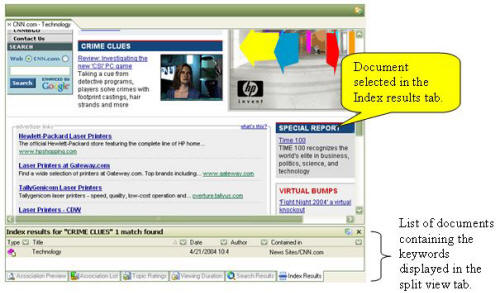
Selecting a keyword within the Nav Pane displays a list of Items that contain the keyword in the Split View A panel that appears within the content pane that displays additional information. or the Main Display if configured to do so from the options. If the split view is not visible prior to executing the keyword selection it will automatically be activated to display the index results. Clicking on an item in the Keyword Results tab displays its content in the Main Display window. Keyword Results can be sorted by clicking on the appropriate header within the tab. The order of the sort can be reversed by clicking the header a second time.