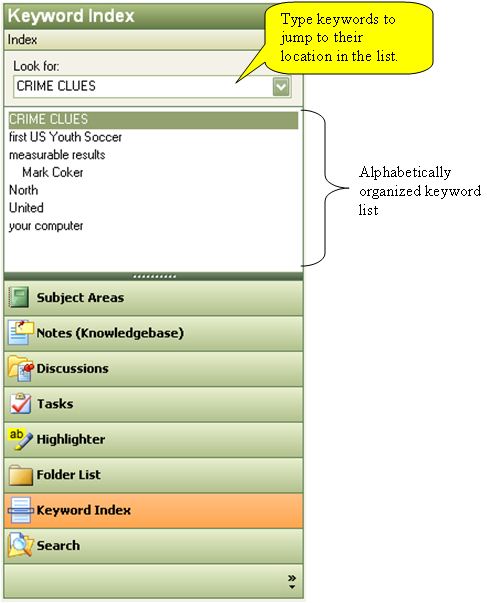
The Keyword Index mode Nav pane The Navigation pane (Nav pane) is the primary mechanism for selecting the mode and items displayed in KnowledgeWorkshop. enables you to select a keyword and see a list of information elements that contain the selected keyword within the Content pane.
First select the repository your want to search from the drop down.
To select a keyword either:
Use the scroll bar (if present) to move down the list and click on a term.
Quickly jump to an entry in the list by typing the term into the "Look for:" field. As you type the list will scroll to the item that most closely matches your entry.
Use the "Look for:" drop down field to choose previously selected keywords.