Content Pane - All Folders
Mode Display
In All Folders Mode
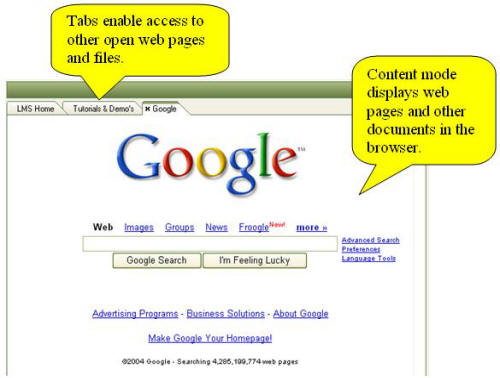
content is displayed in the KnowledgeWorkshop browser. The
browser displays web content, email, Newsgroups and their posts, notes,
HTML documents and, if configured to do so from the options
menu, will display office documents, pdf, image and other files. If
an item has attachments they will be listed is a small box at the top
of the display. Clicking
on the New Content tab  will create a new tab with blank content and enable you to
enter an address (Internet or local file e.g. c:\) in the browser address
bar. Holding
the Alt key while double clicking an item in the tree will force it to
open in the Split View rather than the Main
Display area.
will create a new tab with blank content and enable you to
enter an address (Internet or local file e.g. c:\) in the browser address
bar. Holding
the Alt key while double clicking an item in the tree will force it to
open in the Split View rather than the Main
Display area.
Multiple documents may be opened simultaneously
and may be displayed in separate tabs or floating browser windows. Each
open document may be viewed by clicking on its respective tab. If
many documents are open you may scroll horizontally to see off-screen
tabs or you may configure the tabs to display in rows from the Browsing
Options settings. The
width of the tab can also be configured in this option. Documents may
be closed by clicking on the x that appears within the tab when it is
moused over. Right
clicking a tab enables you to close the tab, close all other tabs and
close all tabs.
 .
.