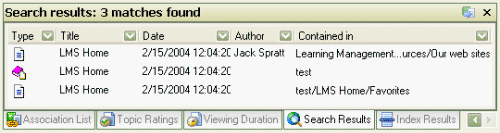
The Search Results tab displays a list of items that match the search criteria entered in search. The header indicates the number of matching items that match the criteria. The following properties of the items are displayed in columns.
Type: An icon indicating the associated items type. E.g. an item , note, newsgroup or task.
Title: The title of the item as defined in its properties.
Date: The date the item was last modified.
Author: The person who created the item.
Contained in: The parent container of the item.
Results can be filtered based on the content of any column. Click on the down arrow within the column to see the filtering menu as shown below.
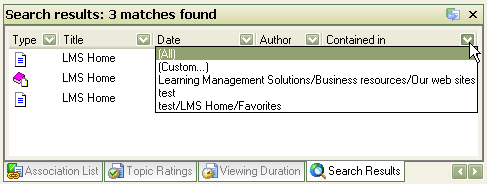
Select the filter you wish to apply:
All: Do not apply a filter based on this column
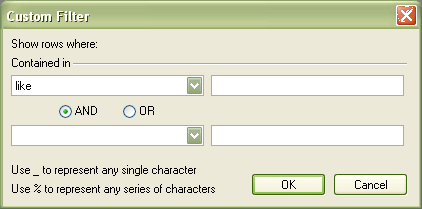
Custom: Display the custom filter dialog (shown below) to enter specific filter information .
Restrict the list to those items that match any of the individual criteria found in the search.
The custom filter dialog enables you to enter boolean expressions and terms to filter the search results. Select the boolean operator from the drop down menu and enter the terms in the text field. A second boolean expression A method for combining search terms using the terms AND, OR, or NOT and using parentheses ( ) to set the evaluation order. can be entered in the second line of the dialog.