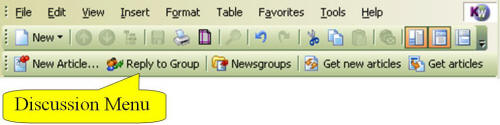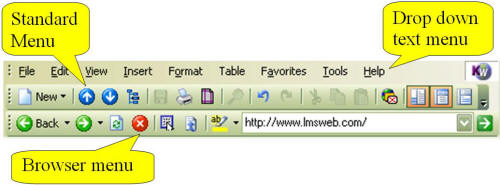
The first row of the main menu consists of a drop down text menu which gives you access to all of the commands and functions of KnowledgeWorkshop. The text menus will initially display the functions you use most often and after a short delay expand to show all items. The second row of the menu is the standard menu, a graphical menu that is always visible and provides shortcuts to some of the most commonly used functions. The third row of the menu will change depending on what you are doing in KnowledgeWorkshop. Different buttons will be enabled and disabled (grayed out) automatically as you work with your content.
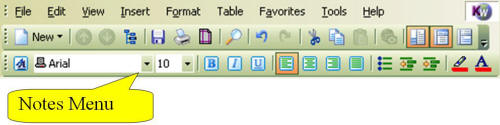
When you open or create a note the notes menu gives you access to functions for formatting text within notes.
When you open a newsgroup the discussion menu gives you access to functions for posting and retrieving messages from the discussion site.